Encrypted logins
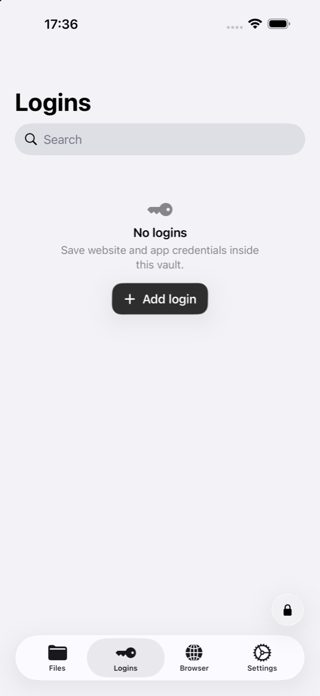
Search, favorite, reveal, copy, and edit credentials without keeping them in the regular browser.
Encrypted private vault for iPhone and iPad
Keep files, saved logins, and private browsing behind a calculator that actually works. Enter your PIN and confirm it twice to open your encrypted vault.
App Store release in progress
Explore the app
My Saver now goes beyond hidden files with encrypted saved logins, a private browser, clear security controls, and an iPad layout designed for the larger screen.
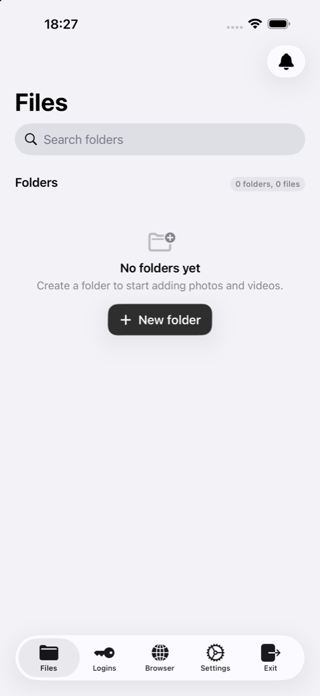
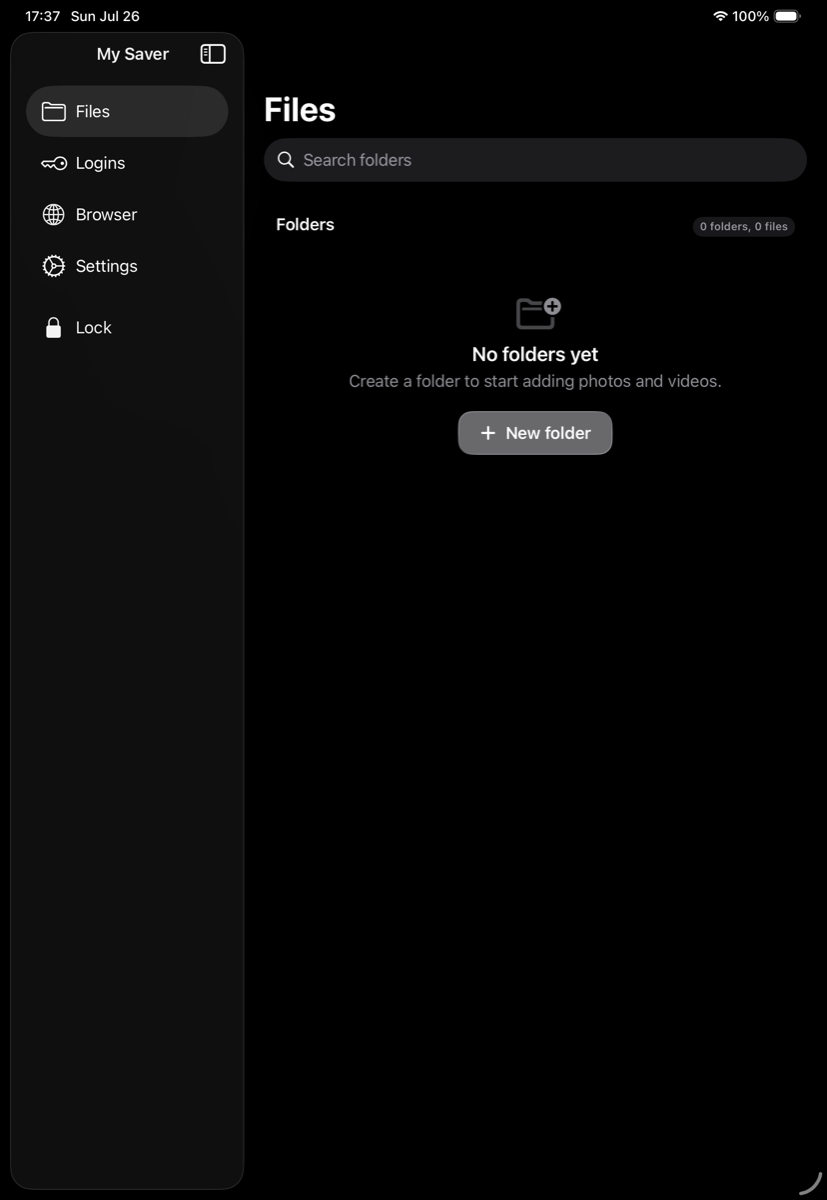
Made for iPad
Move between Files, Logins, Browser, Settings, and Exit from a persistent sidebar built for wider displays.
New privacy tools
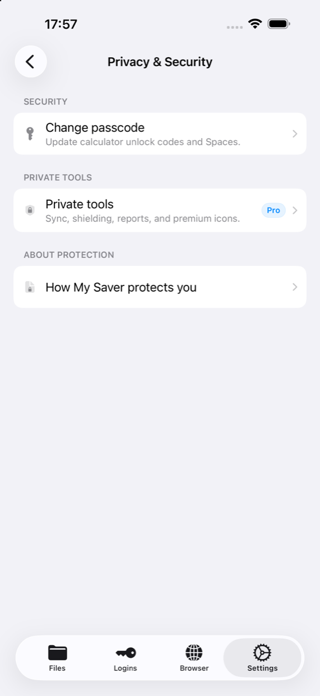
Every tool is designed around a clear boundary: protect what can be protected, and explain what cannot.
Search, favorite, reveal, copy, and edit credentials without keeping them in the regular browser.
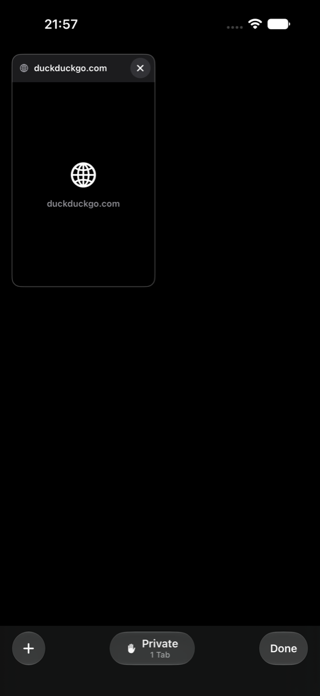
Non-persistent tabs use HTTPS-only main navigation and clear browsing data when My Saver leaves the foreground.
Pro users can create separate PIN-protected spaces, each opened independently through the calculator.
Lock instantly, hide sensitive content during app switching, or redirect when the device is flipped.
Privacy by design
Your vault does not require an account. Encryption and private browsing reduce exposure, but neither makes a device or internet connection anonymous.
Vault files use AES-256-GCM encryption. Unlock verification uses PBKDF2-HMAC-SHA-256, and sensitive keys stay in the device keychain.
Tabs use non-persistent web storage and are cleared with cookies, cache, and website data when the app becomes inactive.
The browser is not a VPN or Tor. Your network provider and visited sites may still see connection information. HTTPS links can be handed to Onion Browser when installed.
My Saver cannot recover a forgotten calculator PIN. Keep independent backups of important originals before relying on any single device or sync service.
Free and Pro
Failed-login reports remain local and are not emailed or synced. Cloud services can be interrupted, so independent backups are still recommended.
Frequently asked questions
No. It reduces local browsing traces inside My Saver, but it is not a VPN or Tor. Websites and network providers may still see connection information.
No. There is no master code or account recovery path. Losing the calculator PIN can make the vault permanently inaccessible.
No. You can use the local vault without creating a My Saver account. Optional Apple services handle purchases and supported iCloud features.
When enabled, it syncs supported vault data and new vault files across compatible devices signed in to the same Apple account. Failed-login reports remain local.
Coming to the App Store
The App Store release is in progress. Review compatibility, privacy limits, and setup guidance before launch.
Support & compatibility